|
Getting your Trinity Audio player ready...
|
Overview
WPForms and Contact Form 7 are two widely used WordPress form plugins. Both allow developers and site owners to create contact forms, but their approach and workflow are very different. This article explains the technical differences, usability, and typical use cases.
WPForms
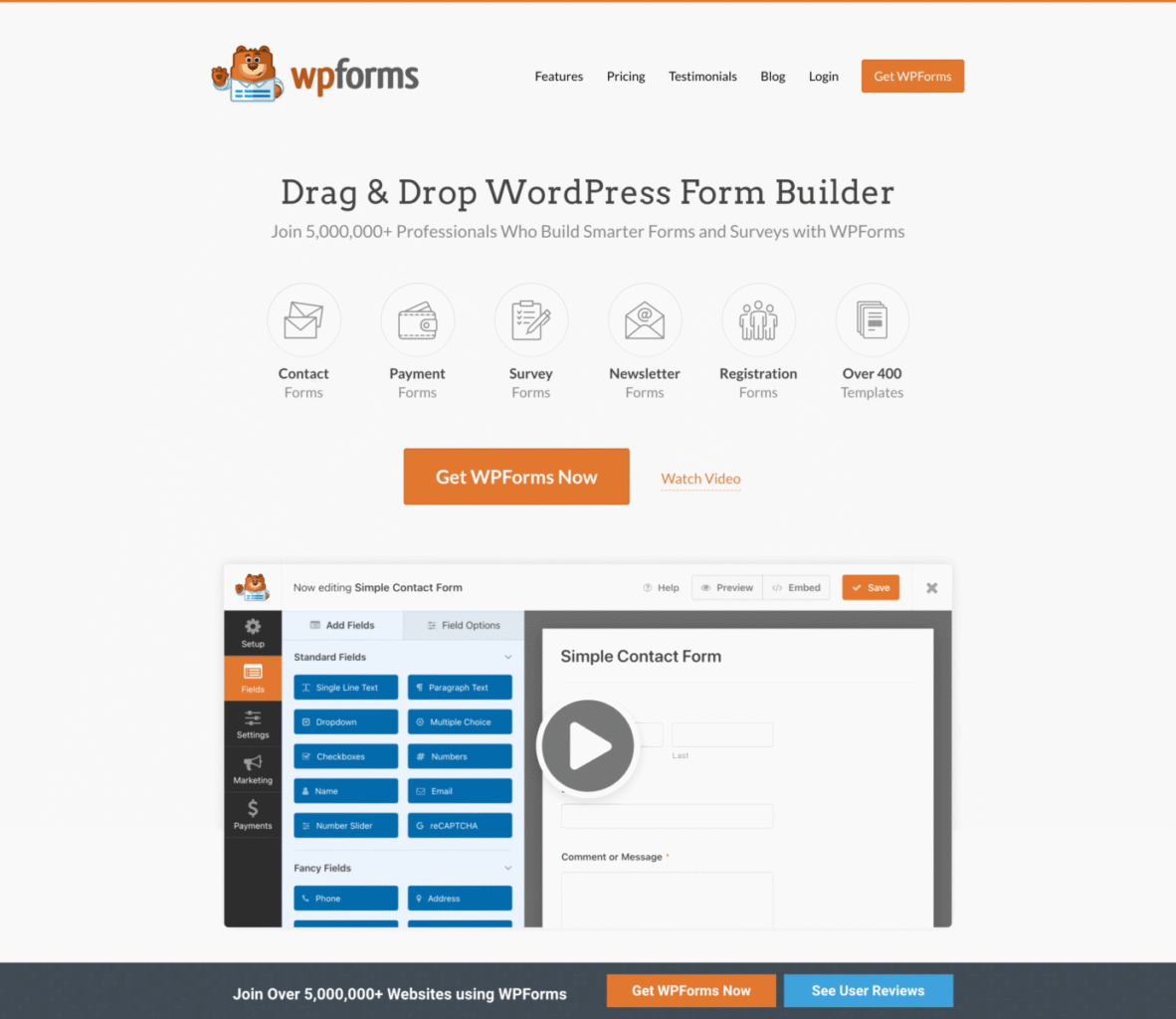
WPForms is a modern drag‑and‑drop form builder for WordPress. It focuses on ease of use and quick setup.
Key characteristics:
- Visual drag‑and‑drop form builder
- Pre‑built templates for common forms
- Built‑in spam protection
- Integrations with email marketing and payment services
Technical notes:
- Uses a graphical interface instead of shortcode configuration.
- Forms are created and edited inside the WordPress dashboard.
- Suitable for beginners and non‑technical users.
Contact Form 7

Contact Form 7 is one of the oldest and most widely installed WordPress form plugins. It relies on manual configuration using form tags.
Key characteristics:
- Lightweight plugin
- Tag‑based form configuration
- Extensive third‑party extensions
- Highly flexible for developers
Technical notes:
- Forms are written using specific markup syntax.
- Requires basic understanding of HTML‑like tags.
- Often extended with additional plugins for advanced features.
Performance and Flexibility
WPForms includes many built‑in features, which makes it heavier than Contact Form 7. However, it reduces setup time because most functionality is already integrated.
Contact Form 7 is lightweight and minimal by default. Developers usually install additional plugins to add features such as file uploads, payment support, or advanced spam filtering.
Ease of Use
WPForms focuses on usability. A form can be created in minutes using the visual builder.
Contact Form 7 requires manual editing of form fields and mail configuration. This makes it slightly harder for beginners but more controllable for developers.
When to Use Each Plugin
Use WPForms when:
- You want a visual form builder
- You need quick setup
- You prefer built‑in integrations
Use Contact Form 7 when:
- You prefer lightweight plugins
- You are comfortable editing form tags
- You want more control through code
Conclusion
Both plugins solve the same problem but target different users. WPForms focuses on simplicity and visual configuration, while Contact Form 7 focuses on minimal design and developer control. Choosing between them depends mainly on workflow preference and project requirements.

Arsalan Malik is a passionate Software Engineer and the Founder of Makemychance.com. A proud CDAC-qualified developer, Arsalan specializes in full-stack web development, with expertise in technologies like Node.js, PHP, WordPress, React, and modern CSS frameworks.
He actively shares his knowledge and insights with the developer community on platforms like Dev.to and engages with professionals worldwide through LinkedIn.
Arsalan believes in building real-world projects that not only solve problems but also educate and empower users. His mission is to make technology simple, accessible, and impactful for everyone.
Join us on dev community