|
Getting your Trinity Audio player ready...
|
SQL Bolt is a free, interactive learning platform and a real treasure trove for beginners — and even for experienced developers who want to sharpen their SQL skills. Whether you’re building a web application, working with analytics, or simply curious about databases, SQL Bolt is an excellent place to get started.
In this guide, you’ll see real SQL query examples, a lesson overview, and practical tips to practice SQL effectively using SQL Bolt.
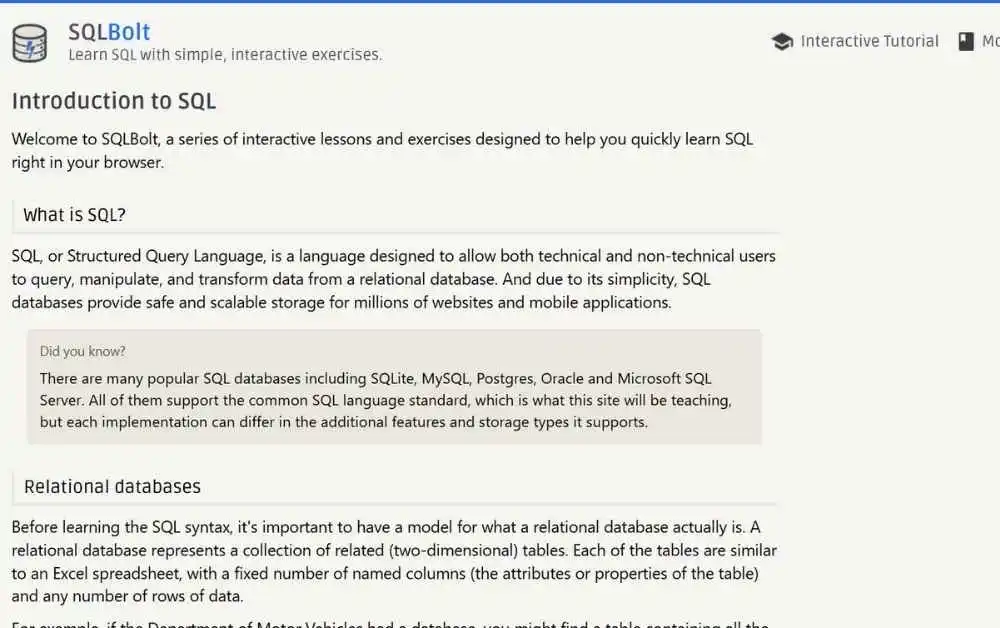
What Is SQL Bolt?
SQL Bolt is a web-based learning tool designed to teach SQL (Structured Query Language) step by step. It offers a series of lessons and interactive exercises that take you from the basics to more advanced SQL techniques.
The platform is built for self-paced learning, allowing you to explore topics at your own convenience. Even if you’ve never written a single SQL query before, SQL Bolt guides you through the learning process in a clear and beginner-friendly way.
Why Choose SQL Bolt?
Here are some standout features that make SQL Bolt a favorite among learners:
Beginner-Friendly Interface
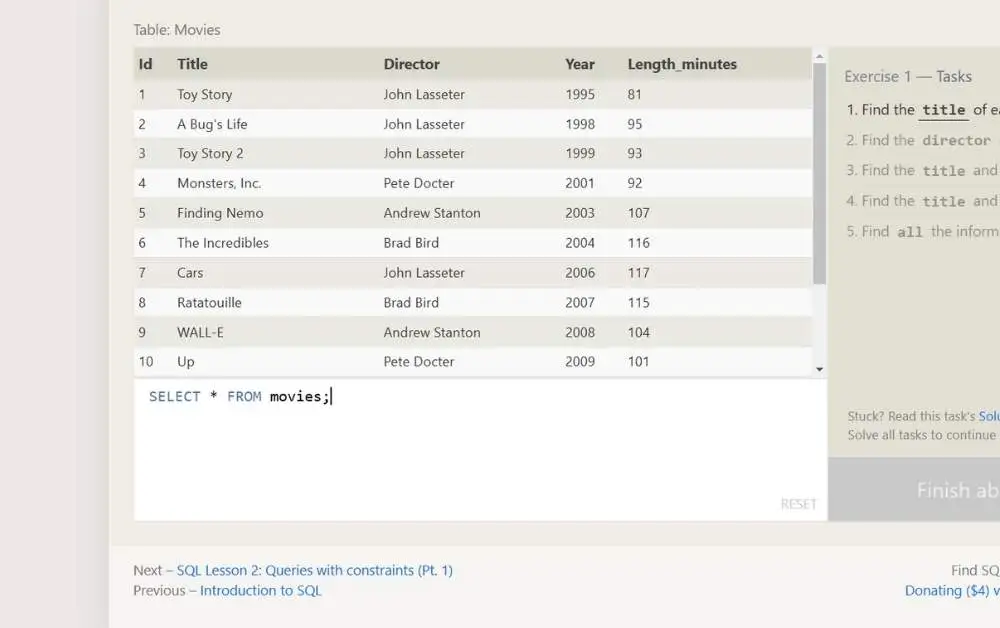
SQL Bolt keeps things simple and easy to understand. The lessons are well-structured, and the interactive editor lets you experiment with SQL queries right away.
No Installation Needed
There’s no need to download databases or set up a local environment. SQL Bolt runs entirely in your browser, so you can start learning instantly.
Comprehensive Lessons
SQL Bolt covers a wide range of SQL concepts, from basic queries to more advanced topics such as joins and subqueries. Key topics include:
- Selecting and filtering data
- Aggregating data using functions like
COUNT,SUM, andAVG - Understanding table relationships through joins
- Writing nested subqueries
Real-Time Feedback
As you complete exercises, SQL Bolt provides instant feedback. This helps you identify mistakes quickly and improve your SQL skills faster.
Perfect for Busy Learners
Lessons are short, focused, and to the point, making it easy to learn SQL even with a busy schedule.
How to Get Started with SQL Bolt
Visit SQL Bolt
Go to the official SQL Bolt website to begin your learning journey.
Begin with the Basics
Start with Lesson 1 to understand what SQL is and why it plays such an important role in today’s data-driven world.
Practice Along the Way
Use the built-in interactive editor to write and test SQL queries. This hands-on approach helps reinforce what you learn.
Progress to Advanced Topics
After mastering the basics, move on to advanced lessons such as joins, subqueries, and schema design.
Test Your Knowledge
Each lesson includes exercises to test your understanding. Instant feedback ensures you’re learning the concepts correctly.
Who Should Use SQL Bolt?
- Aspiring Developers: Learn SQL to strengthen your web development skills
- Data Analysts: Understand how to query, filter, and analyze data
- Students and Hobbyists: Build a strong foundation in database concepts
- Professionals Switching Careers: SQL is a valuable skill across many tech roles
Tips to Make the Most of SQL Bolt
- Take Notes: Write down important concepts and queries for quick revision
- Experiment Freely: Try your own variations of SQL queries to better understand how they work
- Pair It with Practice Projects: Apply your knowledge by creating small projects like a library system or inventory tracker
- Repeat Exercises: Revisiting lessons helps strengthen your understanding
Final Thoughts
SQL Bolt is a must-try platform for anyone who wants to learn SQL in an effective and practical way. Its interactive, beginner-friendly approach ensures you’re not just reading about SQL — you’re actually using it.
Whether you’re a student, a professional, or simply curious about databases, SQL Bolt can help you build a strong foundation and unlock the power of data.
Ready to start your SQL journey? Visit SQL Bolt today and take your first step toward mastering databases. Happy querying!
Pro Tip: Check out more helpful resources and tools at Makemychance.com, your go-to site for tech tutorials and guides.
Mastering the SQL DROP TABLE Statement

Arsalan Malik is a passionate Software Engineer and the Founder of Makemychance.com. A proud CDAC-qualified developer, Arsalan specializes in full-stack web development, with expertise in technologies like Node.js, PHP, WordPress, React, and modern CSS frameworks.
He actively shares his knowledge and insights with the developer community on platforms like Dev.to and engages with professionals worldwide through LinkedIn.
Arsalan believes in building real-world projects that not only solve problems but also educate and empower users. His mission is to make technology simple, accessible, and impactful for everyone.
Join us on dev community