|
Getting your Trinity Audio player ready... |
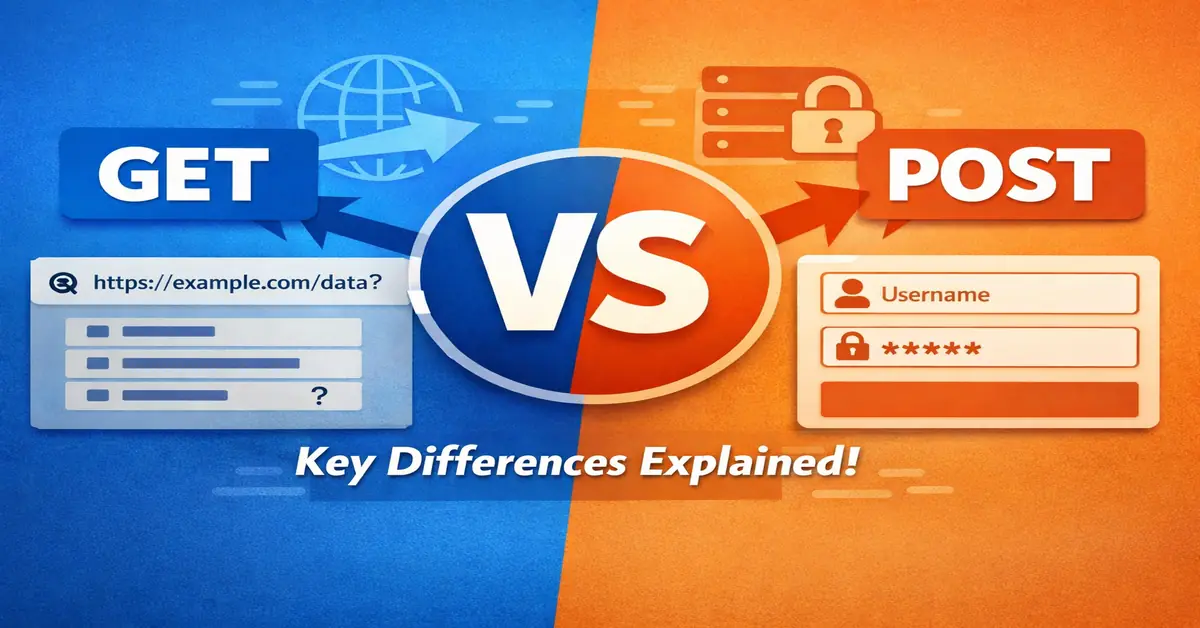
In web development, GET and POST are the two most used HTTP methods. They look simple on the surface, but the real differences matter for performance, security, SEO, caching, and API design. This article explains the practical difference — not textbook theory.
What is GET?
GET is used to request data from a server. It does not change server state.
Key characteristics
- Data is sent in the URL as query parameters
- Requests are cacheable
- URLs can be bookmarked and shared
- Limited data size (browser & server limits)
- Visible in browser history and logs
Example
GET /search?q=javascript&page=1 HTTP/1.1
What is POST?
POST is used to send data to the server to create or modify resources.
Key characteristics
- Data is sent in the request body
- Not cached by default
- Cannot be bookmarked
- Supports large payloads
- Data is not visible in the URL
Example
POST /login HTTP/1.1
Content-Type: application/x-www-form-urlencoded

username=admin&password=secret
Core Differences (Quick Comparison)
| Feature | GET | POST |
|---|---|---|
| Data location | URL | Request body |
| Data visibility | Visible | Hidden |
| Cacheable | Yes | No (default) |
| Bookmarkable | Yes | No |
| Payload size | Limited | Large |
| Use case | Fetch data | Submit data |
Security: Common Misconception
POST is not secure by default.
Both GET and POST are equally insecure without HTTPS. POST only hides data from the URL — it does not encrypt it.
Real security depends on:
- HTTPS
- Server-side validation
- Authentication & authorization
SEO Perspective (Important)
Search engines:
- Can crawl and index GET URLs
- Do not index POST requests
SEO rule
- Use GET for pages meant to rank
- Use POST for forms, actions, and mutations
Example:
- ❌ Search results via POST
- ✅ Search results via GET
Caching & Performance
GET requests:
- Cached by browsers, CDNs, proxies
- Faster for repeat access
POST requests:
- Always hit the server
- Slower for read-only operations
This is why APIs often expose GET for reads and POST for writes.
REST & API Design Best Practice
| Action | Method |
|---|---|
| Read data | GET |
| Create resource | POST |
| Update resource | PUT / PATCH |
| Delete resource | DELETE |
Using POST for everything is a design smell.
When to Use GET
Use GET when:
- Fetching data
- Filtering or pagination
- URLs must be shareable
- SEO matters
- No server-side change
When to Use POST
Use POST when:
- Submitting forms
- Sending sensitive data
- Uploading files
- Creating or updating data
- Request size is large
Real-World Example
Search page
/search?q=css+grid
(GET — indexable, cacheable)
Login form
POST /login
(POST — secure intent, non-cacheable)
Final Verdict
- GET = Read, cache, index, share
- POST = Write, submit, mutate
Choosing the wrong method impacts SEO, performance, security, and scalability.
Use them correctly — browsers, servers, and search engines expect it.

Arsalan Malik is a passionate Software Engineer and the Founder of Makemychance.com. A proud CDAC-qualified developer, Arsalan specializes in full-stack web development, with expertise in technologies like Node.js, PHP, WordPress, React, and modern CSS frameworks.
He actively shares his knowledge and insights with the developer community on platforms like Dev.to and engages with professionals worldwide through LinkedIn.
Arsalan believes in building real-world projects that not only solve problems but also educate and empower users. His mission is to make technology simple, accessible, and impactful for everyone.
Join us on dev community