|
Getting your Trinity Audio player ready... |
APIs fail not because of bad code, but because of uncontrolled traffic. Two mechanisms dominate API traffic control: rate limiting and throttling. They are often confused, implemented incorrectly, or used interchangeably.
This article explains the real difference, when to use what, and shows production‑style Node.js implementations with clear examples.
What Is Rate Limiting?
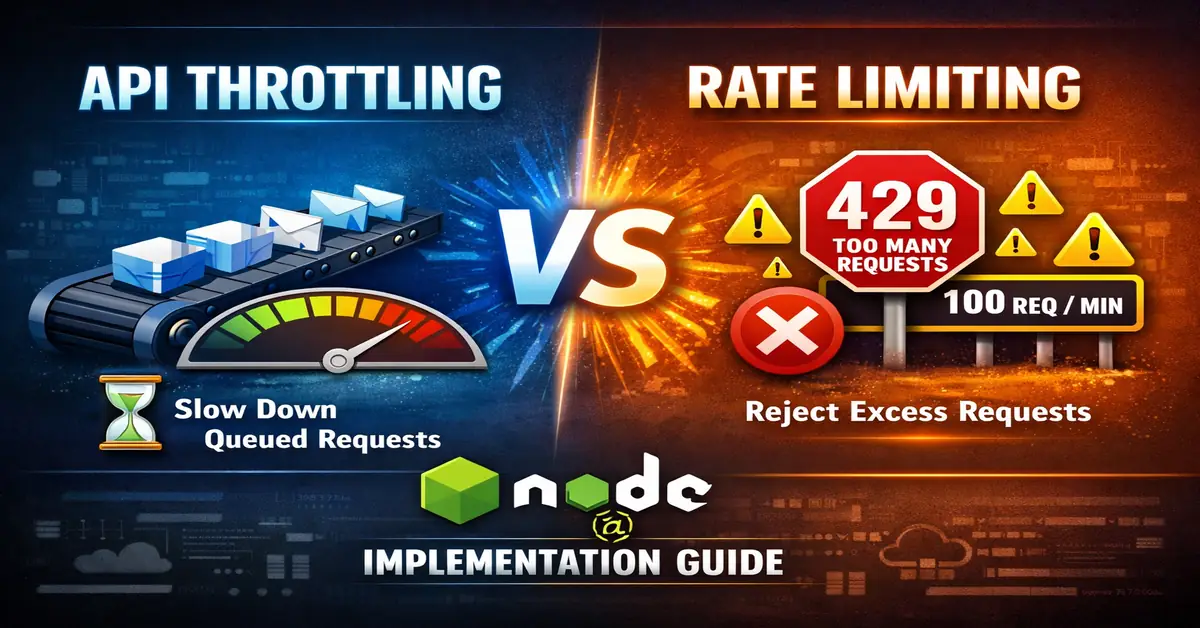
Rate limiting enforces a fixed maximum number of requests a client can make in a given time window.
Definition
If a client exceeds the allowed request count, further requests are rejected.
Example rule
- 100 requests per minute per API key
- 429 response when exceeded
Why rate limiting exists
- Prevent API abuse
- Enforce fair usage
- Protect databases and downstream services
- Differentiate free vs paid users
What Is Throttling?
Throttling controls request speed, not request count.
Definition
When traffic spikes, requests are slowed down or queued instead of rejected.
Example behavior
- Client sends 500 requests instantly
- Server processes them at a controlled pace
Why throttling exists
- Handle traffic bursts smoothly
- Avoid CPU / memory exhaustion
- Keep latency predictable under load
Core Difference (Quick View)
| Aspect | Rate Limiting | Throttling |
|---|---|---|
| Control type | Hard limit | Soft control |
| Exceed behavior | Request rejected | Request delayed |
| Common response | 429 error | No error |
| Focus | Client usage | System stability |
| Time window | Fixed | Dynamic |
Node.js Rate Limiting (Real Example)
Use case
Public REST API where each user should make max 60 requests per minute.
Implementation (Express + express-rate-limit)
import rateLimit from 'express-rate-limit';
import express from 'express';

const app = express();

const limiter = rateLimit({
  windowMs: 60 * 1000, // 1 minute
  max: 60,            // 60 requests per window
  standardHeaders: true,
  legacyHeaders: false,
});

app.use('/api', limiter);

app.get('/api/data', (req, res) => {
  res.json({ message: 'API response' });
});

app.listen(3000);
What happens internally
- Counter stored in memory / Redis
- Count resets every window
- Request rejected instantly when limit is crossed
Advanced Rate Limiting (Redis‑based)
Used when:
- Multiple servers
- Load balancers
- Horizontal scaling
import Redis from 'ioredis';
import rateLimit from 'express-rate-limit';
import RedisStore from 'rate-limit-redis';

const redis = new Redis();

const limiter = rateLimit({
  store: new RedisStore({ sendCommand: (...args) => redis.call(...args) }),
  windowMs: 60 * 1000,
  max: 100,
});
This ensures global rate limits across all nodes.
Node.js Throttling (Real Example)
Use case
Internal API or third‑party API calls where bursts are allowed but execution speed must stay controlled.
Precise API Throttling with Bottleneck (Recommended)
This example enforces an exact request rate, not an approximation.
import Bottleneck from 'bottleneck';

const limiter = new Bottleneck({
  // Exactly 10 requests every 1 second
  limit: 10,
  period: 1000,
  maxConcurrent: 2
});

async function fetchData(id) {
  return limiter.schedule(() => processRequest(id));
}

async function processRequest(id) {
  console.log(`Processing request ${id} at ${new Date().toISOString()}`);
  return `Processed ${id}`;
}

// Burst traffic simulation
(async () => {
  for (let i = 1; i <= 20; i++) {
    fetchData(i);
  }
})();
What this guarantees
- Exactly 10 requests per second
- Excess requests are queued, not rejected
- Concurrency is capped to protect CPU and memory
This is true API throttling, not rate limiting.
Production‑grade Variant (Token Bucket)
For large systems, Bottleneck recommends a reservoir‑based approach:
const limiter = new Bottleneck({
  reservoir: 10,
  reservoirRefreshAmount: 10,
  reservoirRefreshInterval: 1000,
  maxConcurrent: 2
});
This mirrors how API gateways implement throttling internally
Rate Limiting vs Throttling (System Design View)
| Scenario | Correct Choice |
|---|---|
| Public API | Rate limiting |
| Paid plans | Rate limiting |
| Traffic spikes | Throttling |
| Internal microservices | Throttling |
| DDoS protection | Rate limiting |
| Autoscaling systems | Throttling |
Using Both Together (Recommended)
Most production APIs combine both:
- Rate limiting → controls abusive clients
- Throttling → protects backend stability
Example flow
- Client exceeds rate limit → rejected (429)
- Valid traffic spike → queued and processed slowly
This is how API gateways like AWS, Cloudflare, and Azure work internally.
Common Mistakes
- Using throttling for public APIs
- Rate limiting without Redis in distributed systems
- Very small rate windows (causes false 429s)
- No retry headers (
Retry-After)
FAQ
Is rate limiting bad for SEO?
No. APIs are not crawled like web pages. Rate limiting protects infrastructure.
Can throttling increase latency?
Yes. That is intentional. It trades speed for stability.
Which one should I use in Node.js APIs?
- Public API → Rate limiting
- Internal services → Throttling
- High traffic apps → Both
Does Express handle this automatically?
No. You must implement it manually or via middleware.
Final Takeaway
- Rate limiting controls clients
- Throttling controls system load
- Serious APIs never choose one — they use both
This separation is critical for scalable Node.js backend design.

Arsalan Malik is a passionate Software Engineer and the Founder of Makemychance.com. A proud CDAC-qualified developer, Arsalan specializes in full-stack web development, with expertise in technologies like Node.js, PHP, WordPress, React, and modern CSS frameworks.
He actively shares his knowledge and insights with the developer community on platforms like Dev.to and engages with professionals worldwide through LinkedIn.
Arsalan believes in building real-world projects that not only solve problems but also educate and empower users. His mission is to make technology simple, accessible, and impactful for everyone.
Join us on dev community